
Find a destination
Search countries, regions, cities and places worldwide.
Free travel guides. Clear destination context.
Read free, ad-free destination guides with clear sections, useful listings, nearby places and a trip list kept on your device, with credited Wikivoyage travel text.
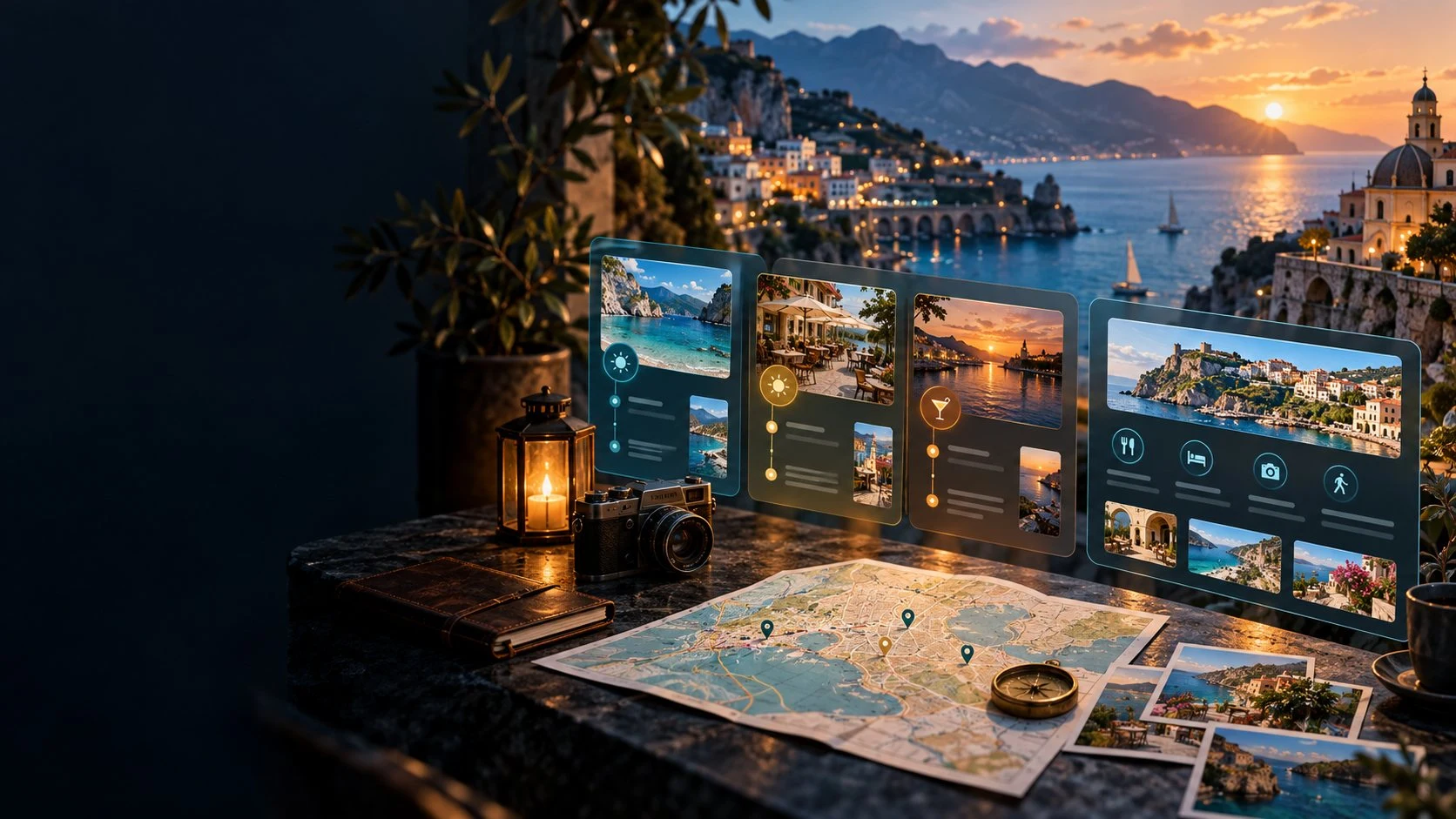
From a destination to a plan
Explore free community travel guides in a clear workspace.
Search countries, regions, cities and places worldwide.
Explore places to see, activities, food, drink and stays.
Save a trip list on your device.
Read dates, source history and nearby places.
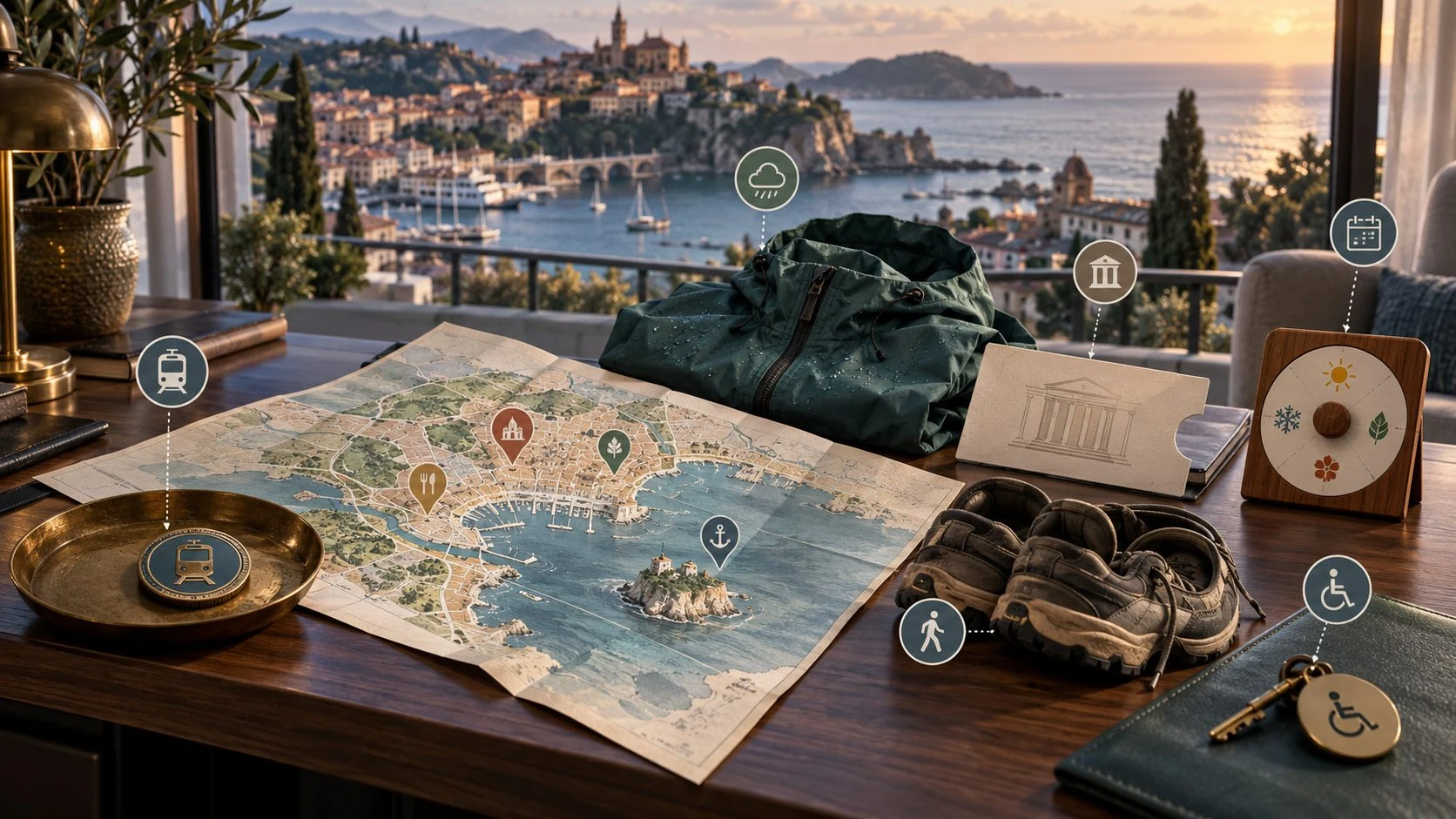
Start with the destination
Search a country, region, city or other destination, or begin with a featured guide.
Read organised sections and open listings for things to see and do, places to eat, drink and stay.
Keep sub-destinations and nearby places in view as you collect places for a trip.
Four steps towards a practical trip
Keep destination information and its source context together.
Search a destination or begin from a featured guide.
Open listings and read the details provided.
Save chosen places to a local trip list.
Check important hours and prices before travelling.
Your destination-guide workspace
Bring organised travel sections, useful listings and source context together.
Find countries, regions, cities and places worldwide.
Read a destination in organised sections.
Explore things to see and activities to consider.
Read food, drink and accommodation listings.
Explore sub-destinations and surrounding places.
Begin from a complete featured guide.
Keep chosen places for a trip on your device.
Read source history and last-edited information.
Meet the whole destination
Use the guide sections to understand more than one listing.
Explore sights and activities.
Read places for food and drink.
Consider places to stay.
Explore sub-destinations and nearby places.
Keep a useful local trip list
Keep your planning grounded in the data version and guide dates.
Save places locally for your trip.
Read when each guide was last edited.
Use the version shown in the app.
Confirm information that matters to your journey.
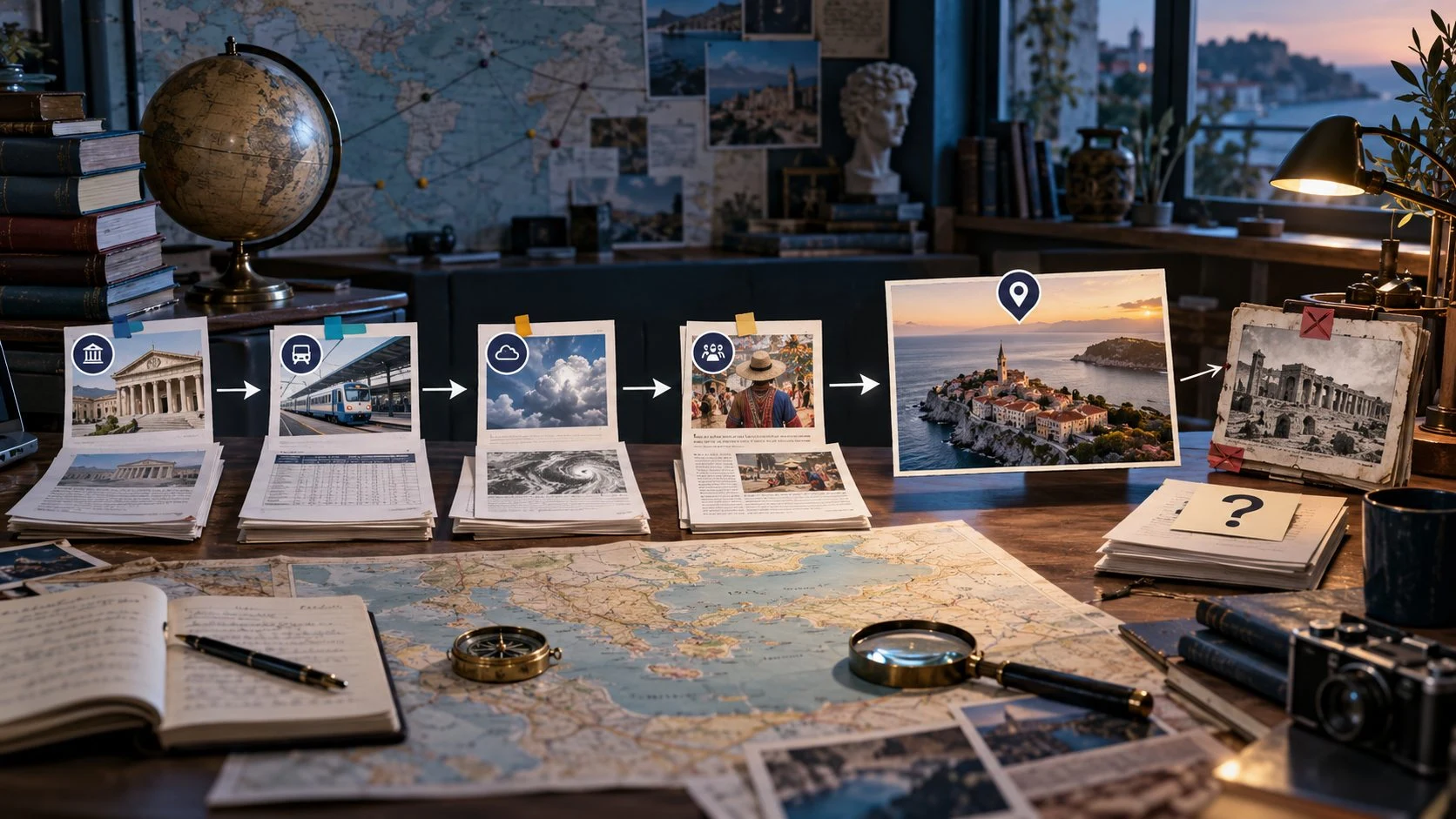
Keep the source context visible
Travel text comes from Wikivoyage contributors under CC BY-SA, converted and presented by VISINVOKE.
Read each guide last-edited date and linked history alongside the data version shown in the app.
Keep chosen places in your device trip list and confirm important hours and prices before travelling.
Community travel text, clearly credited
Read useful information without adverts or booking links.
Wikivoyage contributors under CC BY-SA.
See where each guide information came from.
Guides show coordinates as numbers, without photos.
Your local trip list stays on the device.
Free utility access
Use Travel Guide through Desktop Command Centre on Windows and Android.
Travel Guide is free with your account.
Explore without adverts.
Use the utility through Desktop Command Centre.
Create a free VISINVOKE account to begin.
VISINVOKE means value
Bring destinations, listings, nearby places and source information together.

Explore countries, regions, cities and places.
Read hours, prices and coordinates where provided.
Keep chosen places on your device.
Wikivoyage contributors, CC BY-SA and linked guide history.
Explore your VISINVOKE workspace
Each card opens its own product website. Review purpose and access separately; related products do not promise included access or automatic synchronisation.

Open your VISINVOKE desktop products.

Prepare a live exchange after an established social mistake.
Build the wider setting around your campaign.

Develop the places your party travels through.

Explore separate adventure environments.

Explore separate fantasy image creation.
Product artwork is illustrative, not application screens or actual generated image output.
Quick answers
Understand guide sections, source history, device trip lists and free utility access.
Search destinations worldwide and read free, ad-free guides in clear sections. Explore See and Do, Eat, Drink and Sleep listings, sub-destinations, nearby places and featured destinations. Save places to a trip list kept on your device.
Listings retain their authors information, including hours, prices and coordinates where given. Coordinates are shown as numbers and no photos are included in guides. The product artwork on this website is illustrative.
Travel text is written by Wikivoyage contributors, under CC BY-SA, then converted and presented by VISINVOKE as hosted guides. Each guide history is linked so you can see where the information came from.
Every guide shows when it was last edited, and the app shows its data version. Opening hours and prices can change, so confirm important details before travelling.
Your trip list stays on your device. Travel Guide has no booking links or adverts. Use it to read and collect places for a trip rather than to make bookings.
Travel Guide is free with your VISINVOKE account through Desktop Command Centre on Windows and Android. Create a free account, use your account installer page for Desktop Command Centre, then open Travel Guide in your workspace.
Continue in VISINVOKE
Create your free VISINVOKE account to access Travel Guide.
Use your account installer page for Desktop Command Centre.
Open Travel Guide through Desktop Command Centre on Windows and Android.